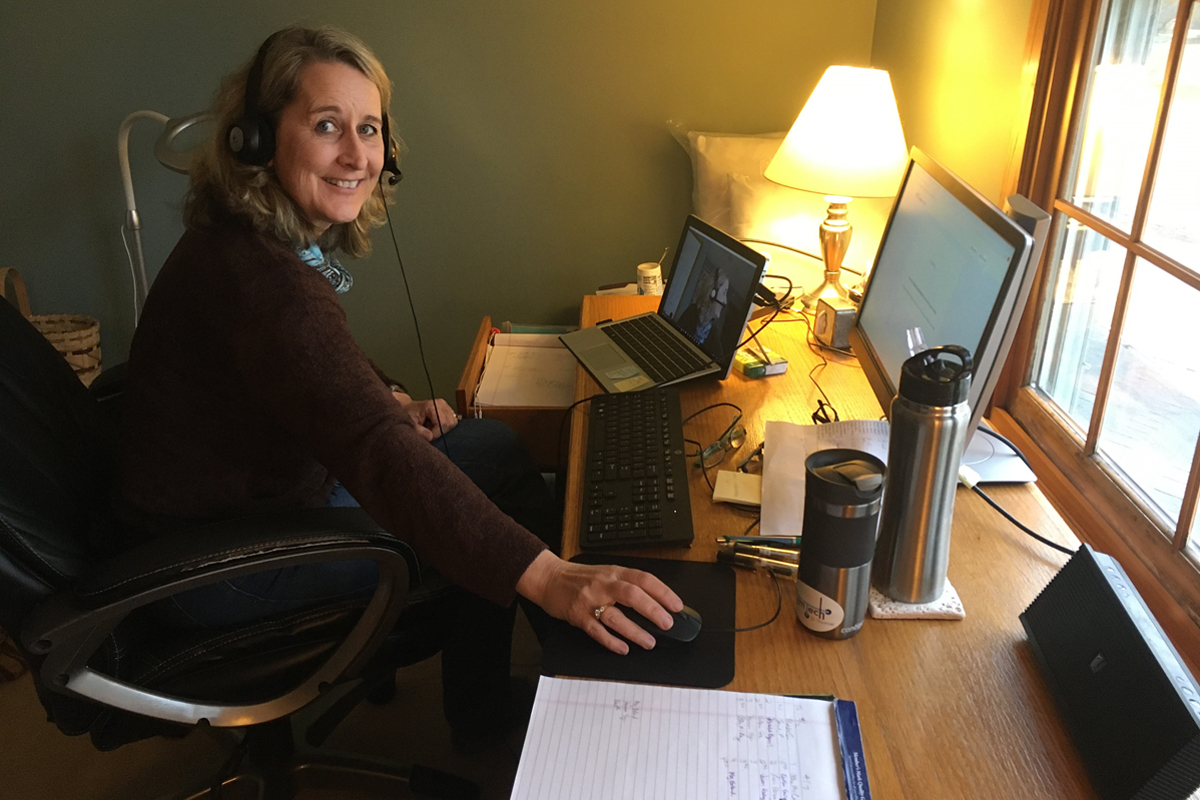
Teaching in a COVID World
When in-person classes were canceled for the rest of the semester to combat the spread of COVID19, the faculty of Opus College of Business pivoted quickly to move their lessons fully online.
Faculty lectured and met with graduate students through online conferencing tools like Zoom and Canvas. In-class quizzes became virtual, and case studies were debated over video.
Overall, the Opus community has adapted to their new virtual environment with ease. Marketing Professor Steve Vuolo recently used Zoom breakout rooms for a McDonald’s case discussion. The MBA students had fun too, changing their Zoom backgrounds to fit the brand.
New technology can often present overwhelming options in the midst of transition. How much should faculty rely on Zoom? Should the class be entirely synchronous, or can some be asynchronous?
Many Opus faculty have been delivering online and blended classes for years. Some have shared their Canvas expertise to help others build new online classes. Faculty members were recently asked what technology has helped them during this time of transition. Collectively they shared these tips and tricks:
ZOOM
- The share screen feature is effective for discussing slides with the class and doing practice problems together.
- Use annotation tools when sharing or viewing a whiteboard. Students can save it and share their sub-group findings with the rest of the class in the debrief sessions.
- Use the Zoom breakout rooms to give peer-to-peer feedback.
VIDEOS + ZOOM
- Pre-record lectures as voice-over Powerpoint presentations in smaller chunks for use before class. Use Zoom for class exercises instead of lecturing live.
- Use class-time Zoom as an open meeting to answer questions and coach individual students as needed. Students can come and go – so material presentation is asynchronous, but contact is synchronous.
- Use Zoom recordings for very short videos and break an entire class into five to ten-minute focused segments.
CANVAS
- The Canvas Quiz feature can be effective for assessments, but requires careful set-up with complex problems.
- Use the Discussions Boards to help students start thinking about an upcoming assignment or class discussion.
- Try polling/chat/small assignments to engage students.
- Canvas offers online tests, allowing you to shuffle multiple choice Q&As and lock questions after they were answered.
OTHER TECHNOLOGY AND TECHNIQUES
- The Panopto recordings allow you to go over Powerpoints and handouts for each chapter.
- Try FlipGrid for case analysis.
- Consider Gradebook as a way to view and manage grades.
Learn about the other ways that St. Thomas faculty and students are using technology and innovation in their full shift to online learning.